
Use the phone
you already know.
Look for the app called Home on your iPhone. It has a house icon. You’ll use it to add and control a compatible device.
Apple Home lets you use your iPhone to control compatible devices in your house, like turning a light on or off. You can start with one device and learn at your own pace.
See the Channel Master Pro-FloodlightExample controls
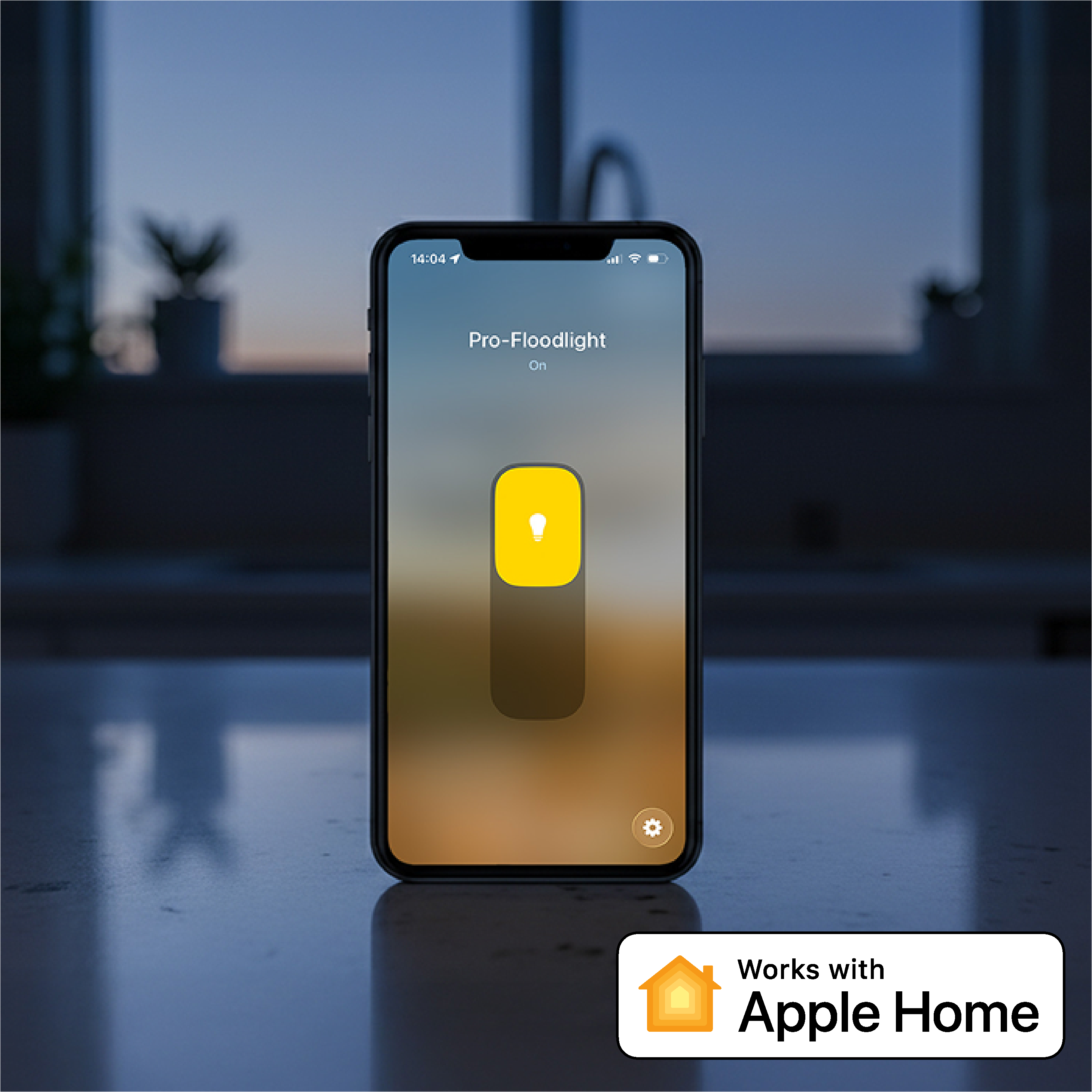
Open the Home app, find your light, and tap to turn it on. Prefer to speak? Ask Siri to turn it on for you.
The Home app is Apple’s app for controlling compatible devices. It comes pre-installed on your iPhone. You don’t need to replace everything in your house or build a whole “smart home” to use it.
Look for the app called Home on your iPhone. It has a house icon. You’ll use it to add and control a compatible device.
Choose something useful, such as a light you can turn on from your chair. Add more only if you want to.
Tap the device in the Home app to control it. Or say, “Hey Siri, turn on the backyard light.”
Your device must specifically support Apple Home. An ordinary light or appliance won’t connect just because you have an iPhone.
A Home hub is a compatible Apple TV or HomePod that stays connected at home. It lets you do more, like turn a light on automatically at sunset or control it when you’re away.
You don’t need one to try basic Pro-Floodlight control at home. Other devices may have different requirements.
Apple TV is a separate streaming device. HomePod is an Apple speaker. Both are sold separately; check the model before buying.
You know Channel Master for helping you enjoy free television with an antenna. Our Apple Home-compatible products bring that same focus on useful technology and clear installation to other parts of your home.
Watching your favorite show and need to turn on a light? With a compatible light set up in Apple Home, you can use your iPhone or ask Siri without leaving your seat.
Your antenna keeps working just as it does today. You don’t need Apple Home to watch antenna TV, and your antenna does not connect to the Home app.
Channel Master has been building consumer technology since 1949. We’re bringing our experience with quality products and straightforward installation to products that work with Apple Home.
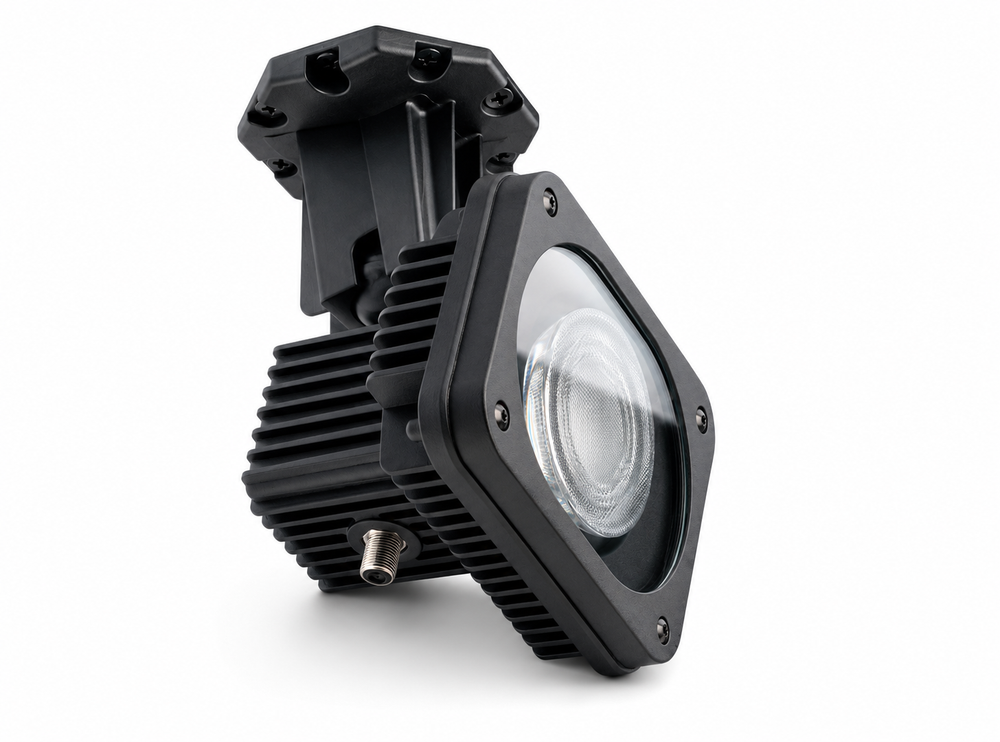
Turn your outdoor light on from your iPhone or by asking Siri. Pro-Floodlight is designed for DIY installation up to 150 ft from an existing electrical outlet.
Discover Pro-Floodlight